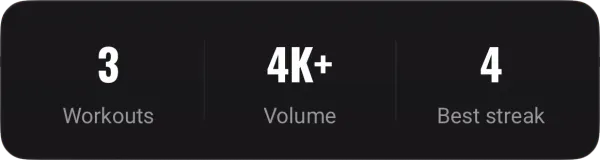
weeks from the first sketch to the App Store, and 17 days from the first Android commit to Google Play
4
people on it
100+
exercises in the library
47
features on both platforms, 13 of them Premium
Role
Product, design, engineering, release
Platform
iOS 17+ SwiftUI, Android 8+ Compose
Backend
Laravel REST API
01
The app in one minute
Who it is for
People who already train to a plan and keep it in notes, a spreadsheet or a paper notebook.
People who tried the big training apps and got tired of scrolling past a feed, a challenge and a coaching offer just to write down 80 kg for five.
This one does a single job: a set goes down in two taps, and the weights and reps turn into strength charts on their own, with no formulas to keep up. They answer one question: am I getting stronger?
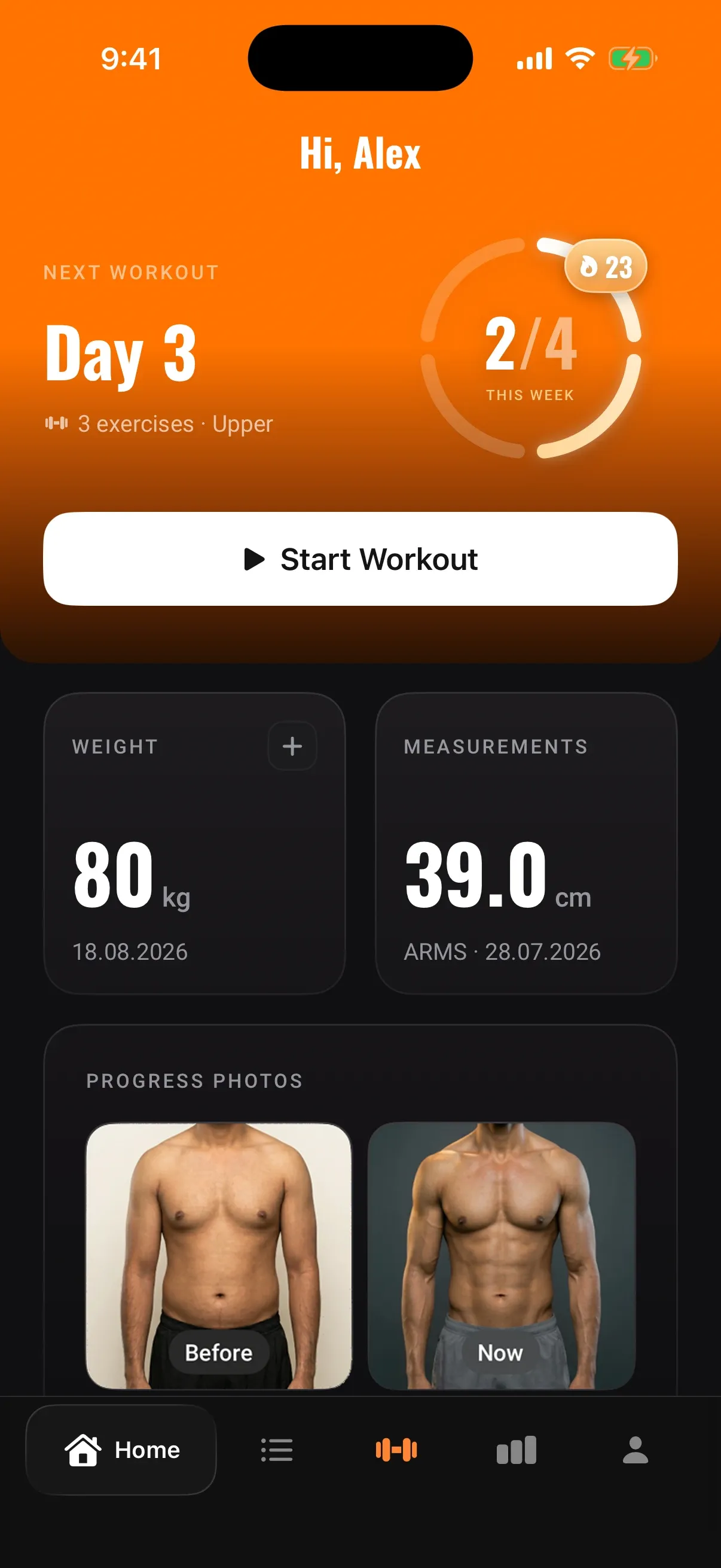
Home
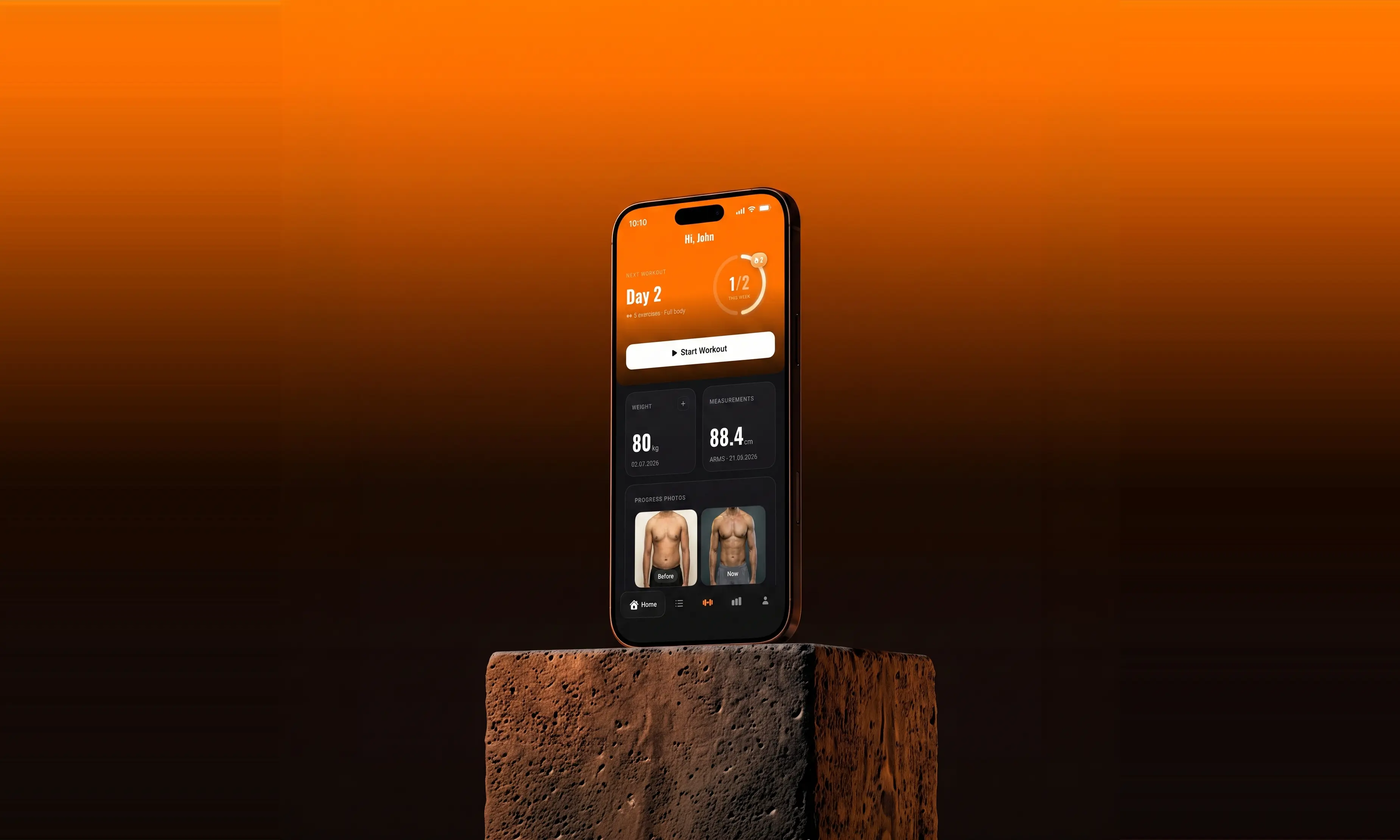
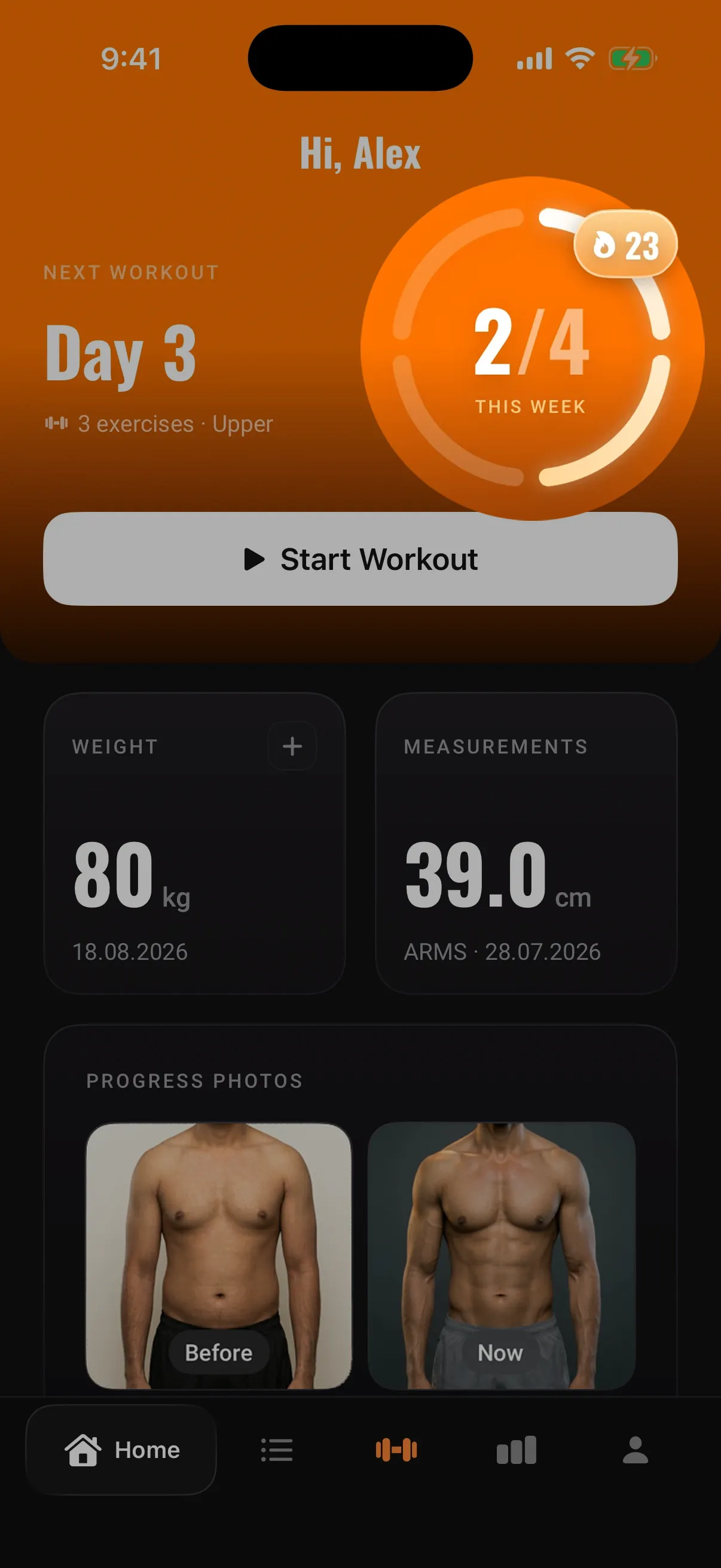
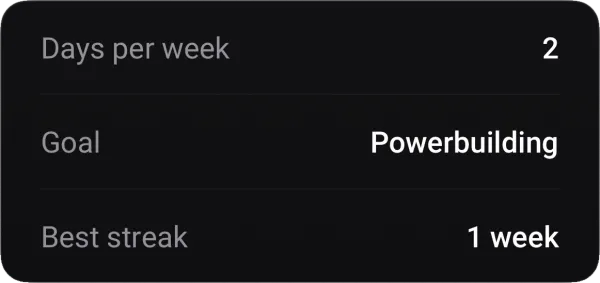
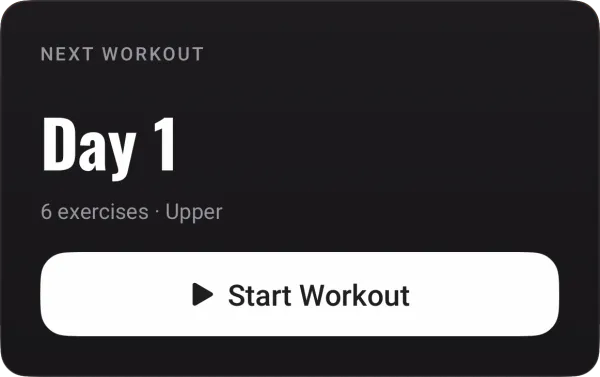
Start your next workout from here, and see how many sessions you have done this week and how long your streak has run.
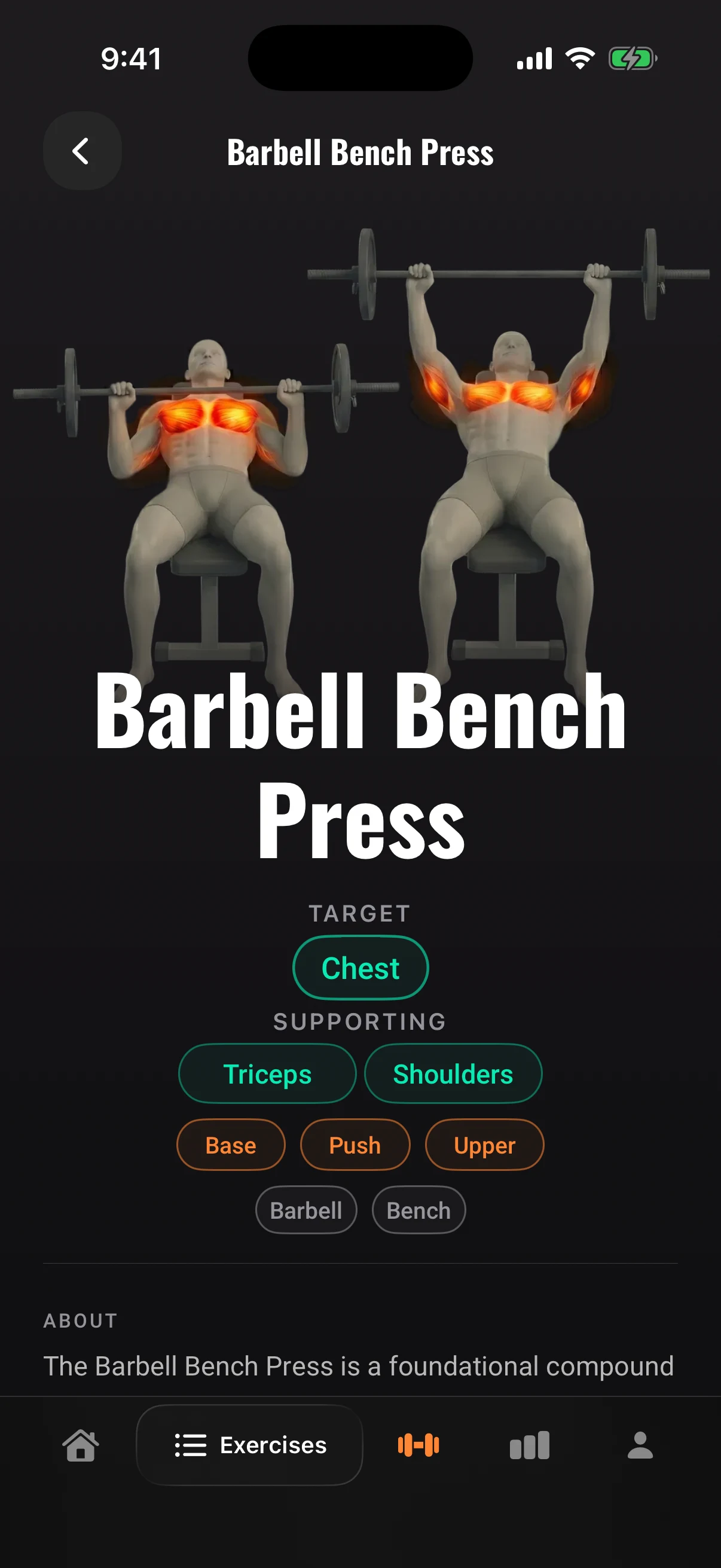
Exercise
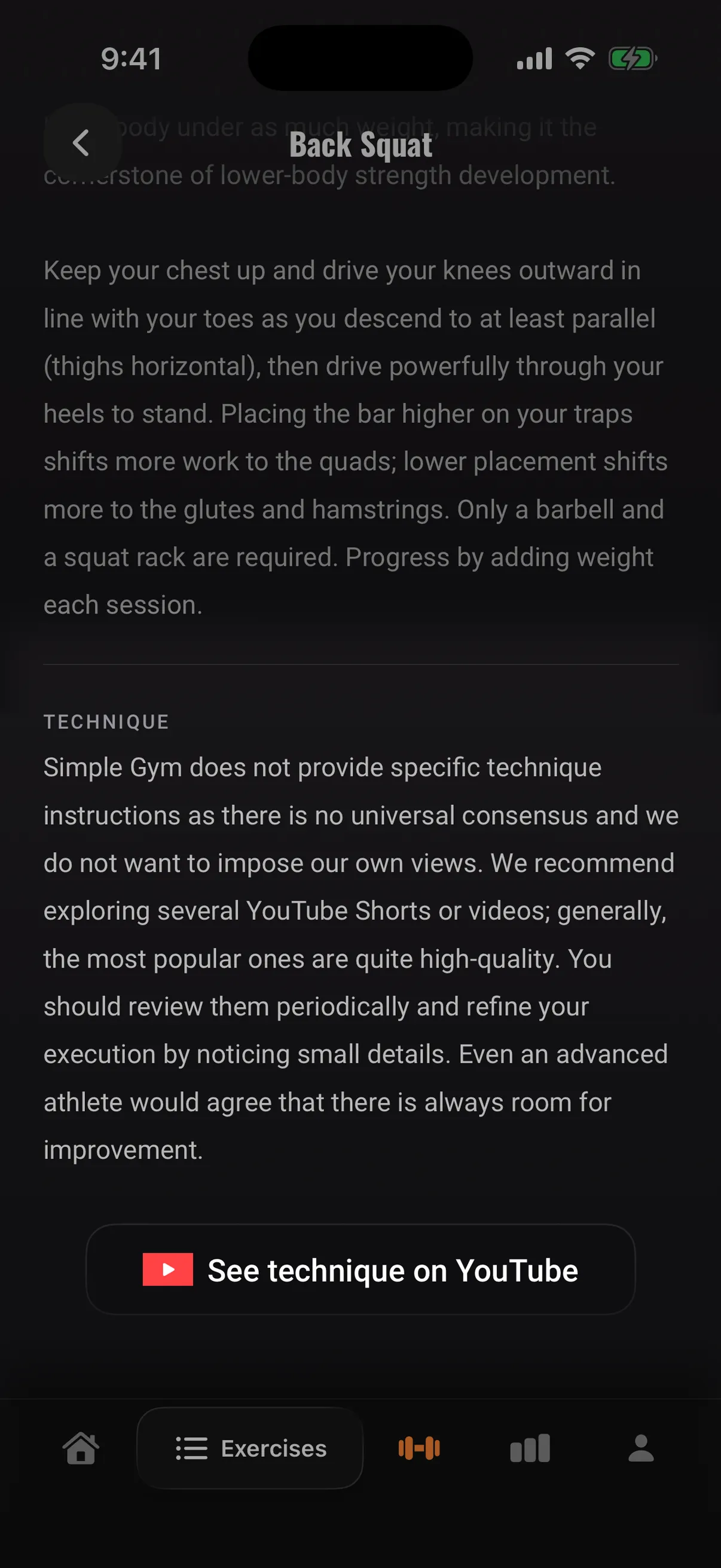
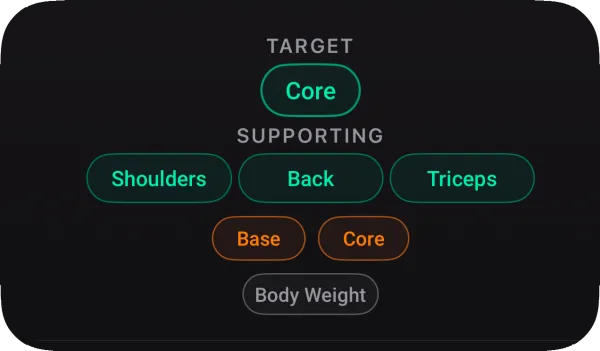
See how the movement is done, with the muscle it works lit up, so you get an idea of the muscle group before you go looking for a video.
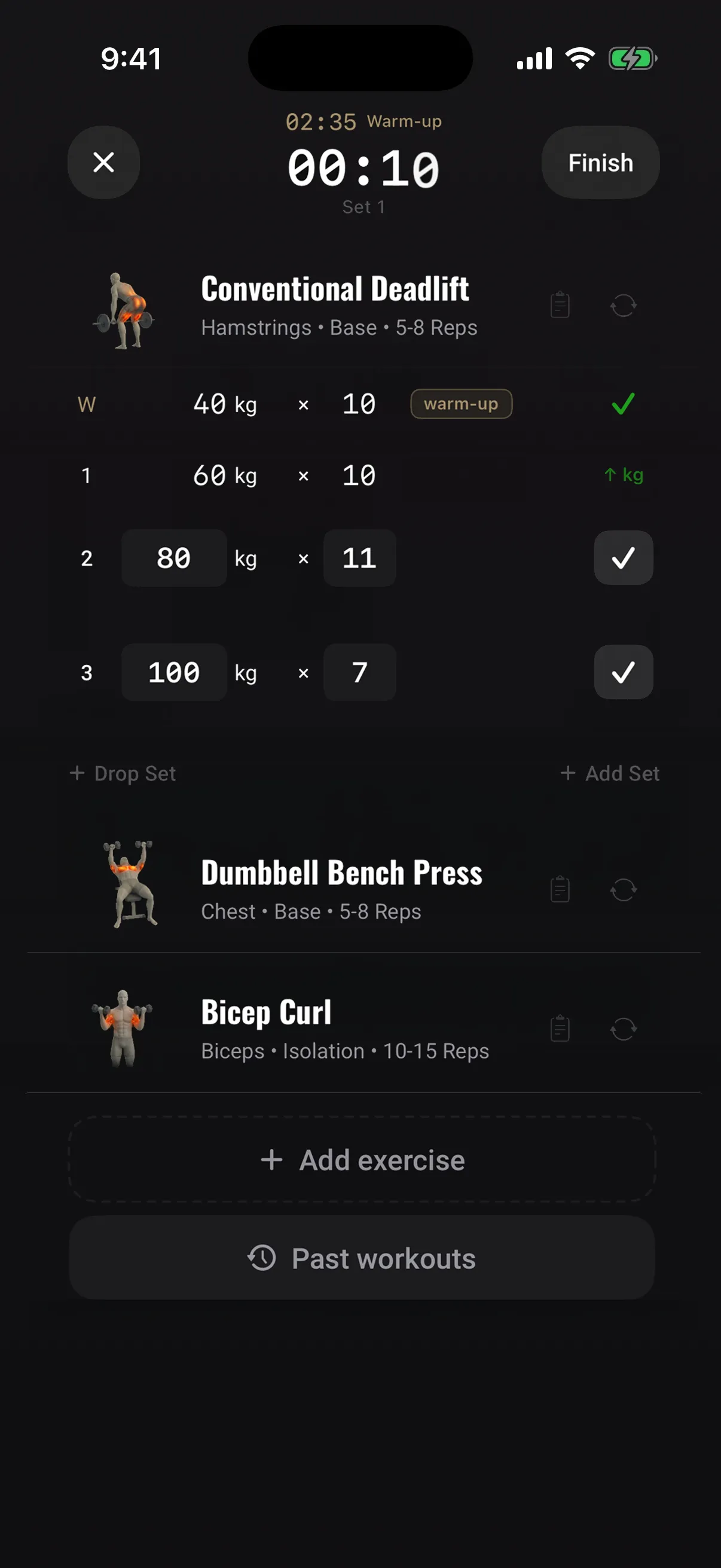
Workout
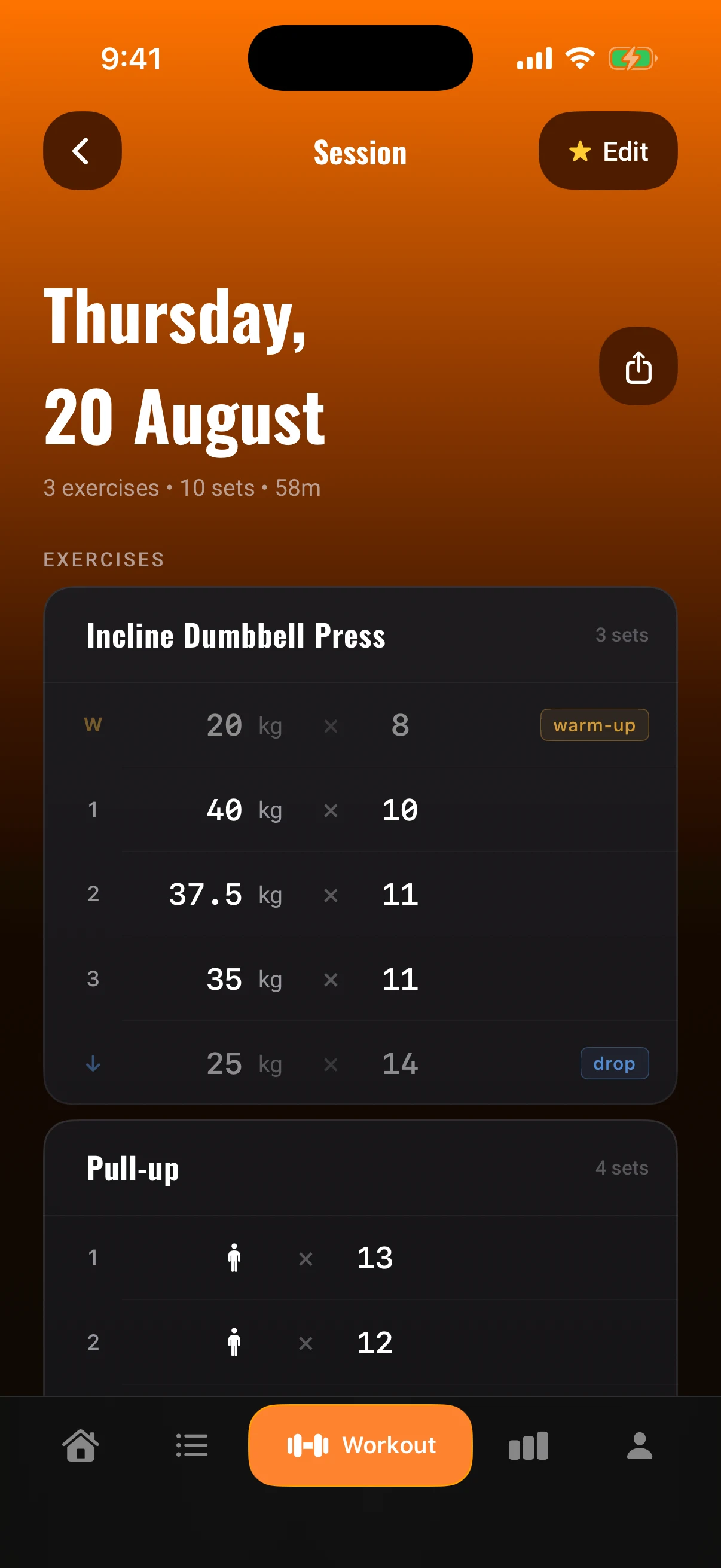
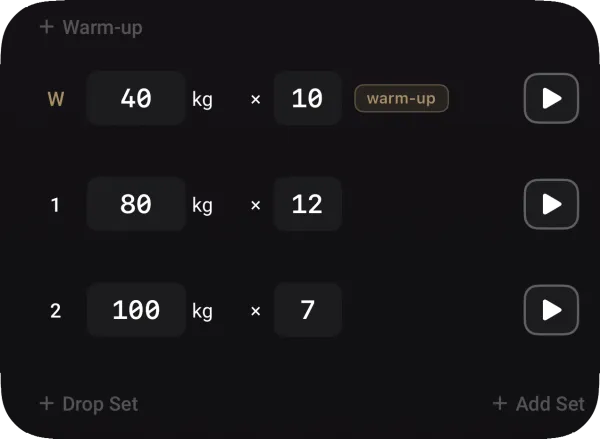
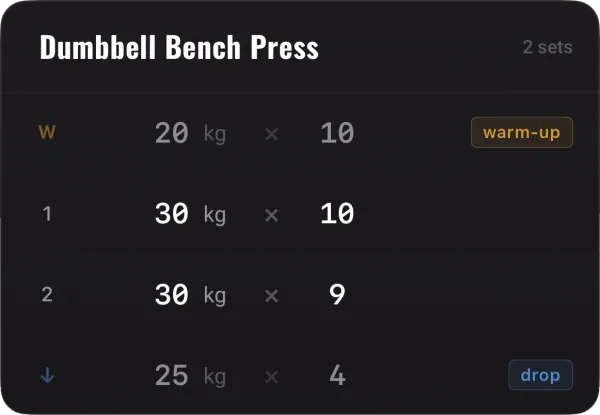
Type in the weight and reps, add warm-up and drop sets, and the rest timer starts on its own.
Analytics
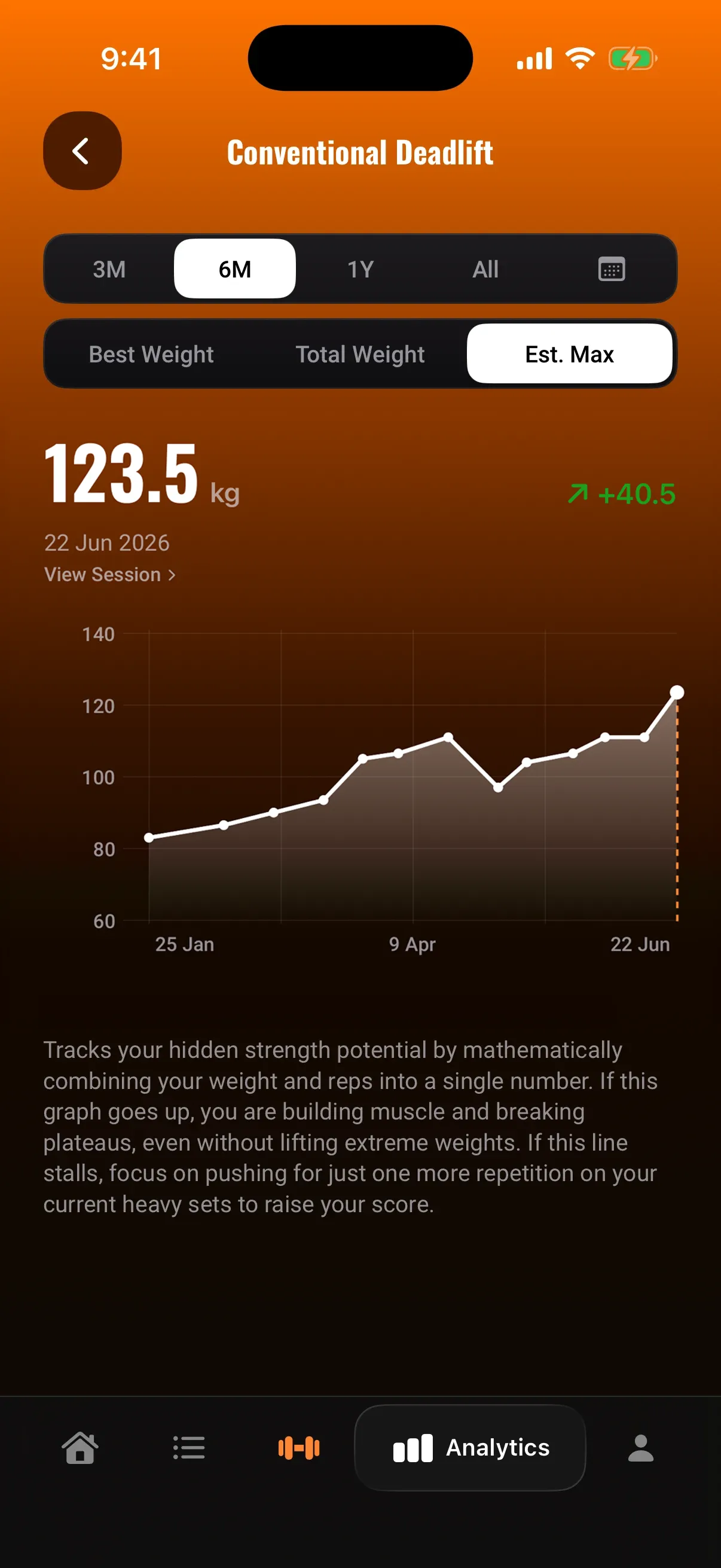
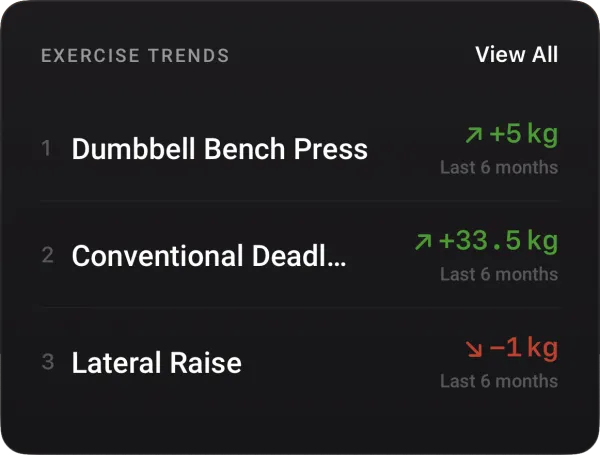
Pick any exercise and see whether you are getting stronger, by best weight, total volume or your estimated max, over whatever period you want.
Photos
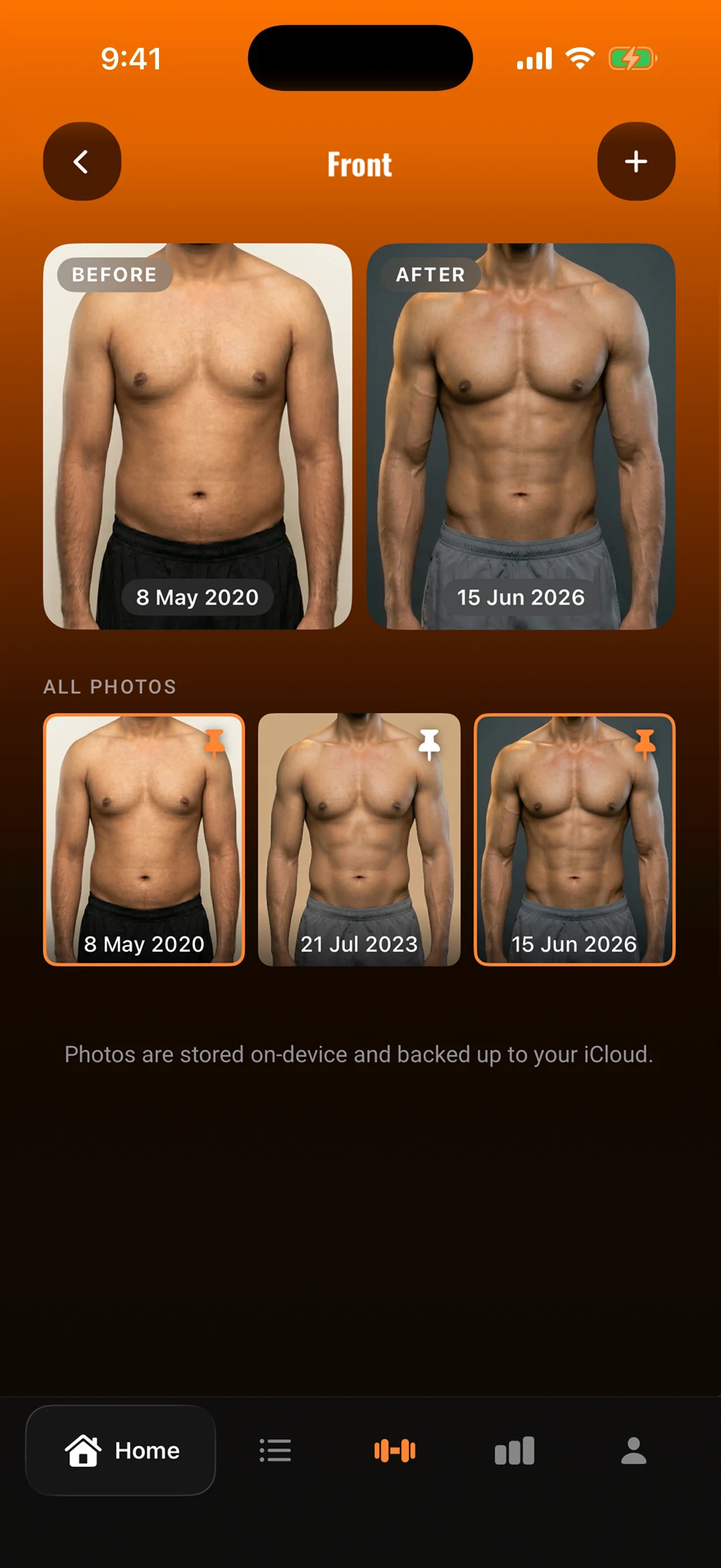
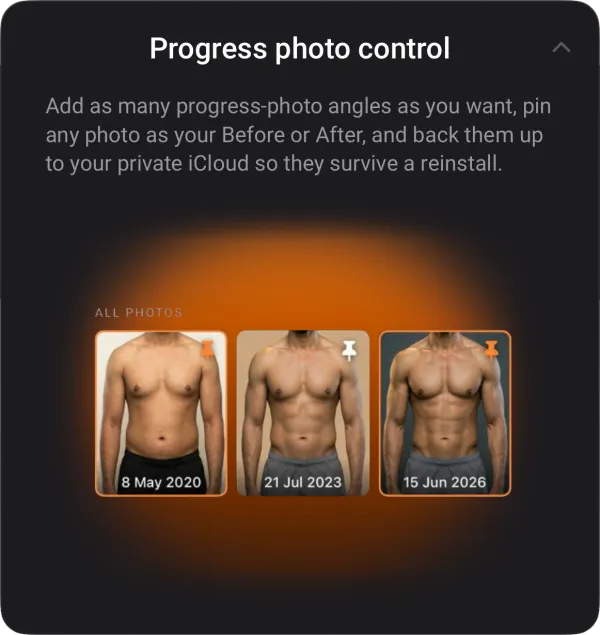
Take a progress photo from the front, side or back, and put any two side by side to see what has changed. They stay encrypted on your phone, and back up to your own iCloud or Google Drive if you turn that on.
Measurements
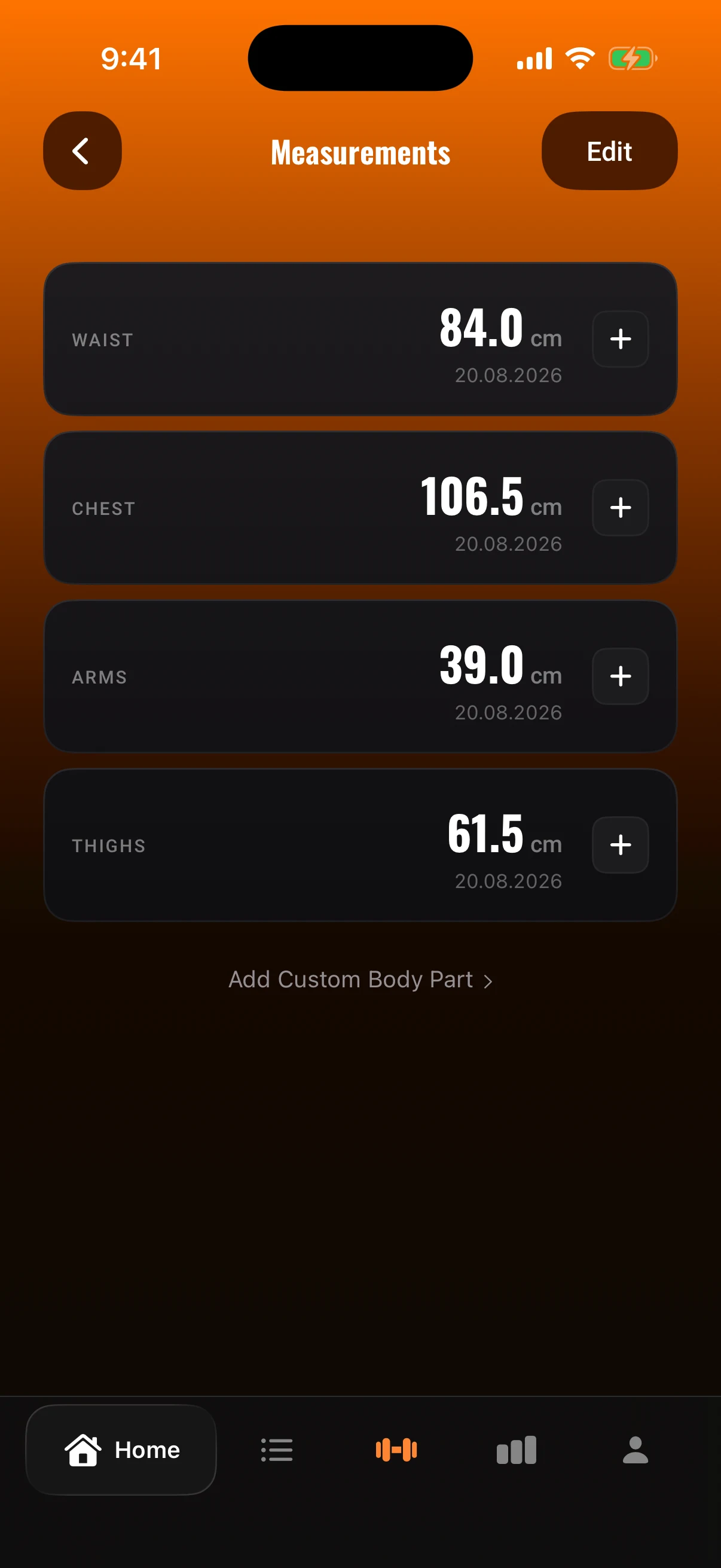
Log your weight by dragging a ruler with your thumb, then track your chest, arms, waist and thighs, or anything else you want to measure, and watch it all change on one chart.
02
Built for a gym, made of the parts any product needs
Notifications that land at the right moment
Timed to when a person actually turns up, not to the clock.
Send a push to your customers, without a developer
An admin screen where you write the message, pick who gets it (everyone, or filtered by what they do in the app), see how many that is before you send, send it now or on a schedule, and see what came back afterwards.
One account, every device
Sign in on a new phone, iPhone or Android, and the history, the programme and the settings are already there. Nothing is tied to the handset it was logged on.
Payments through Apple and Google
Subscriptions, a one-time purchase, and the paperwork behind both, in either store. Our server decides the access, so a purchase in one store opens the same account on the other phone.
We built every part of it ourselves
The product decisions, the design, the iOS and Android apps, the Laravel backend, the admin, the subscriptions and the release. We set the price, answered review in both stores and wrote the consent flow ourselves, so none of it is theory when we plan the same work for someone else.
Six decisions that shaped the product, and what each one was for
We aimed at a gap, not at everyone
Most people who lift already keep a log: notes, a spreadsheet, a paper notebook. The apps that could replace it grew feeds, challenges and coaching offers to reach every audience at once, and lost the one job in the process.
We took the narrow side: log a set, see whether you are getting stronger, nothing else.
A narrow audience is cheaper to reach, easier to keep, and it tells you what to build next.
We link to the videos instead of filming them
Every exercise page has a button that opens a YouTube search for that movement. There are already thousands of good demonstrations and none of them cost us anything to keep current.
The budget went where nobody else had spent it: the movement drawn with the working muscle lit, which means most of the time nobody needs the video at all.
Deciding what not to build is what let two people ship this in nine weeks.
Every workout is a link someone can share
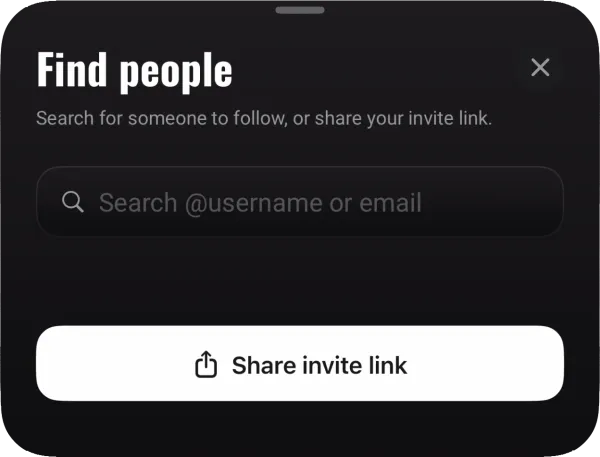
Paid installs cost money every time. A finished session sends as a link that opens in a browser, so whoever gets it sees the workout without installing anything, and the invite link works the same way.
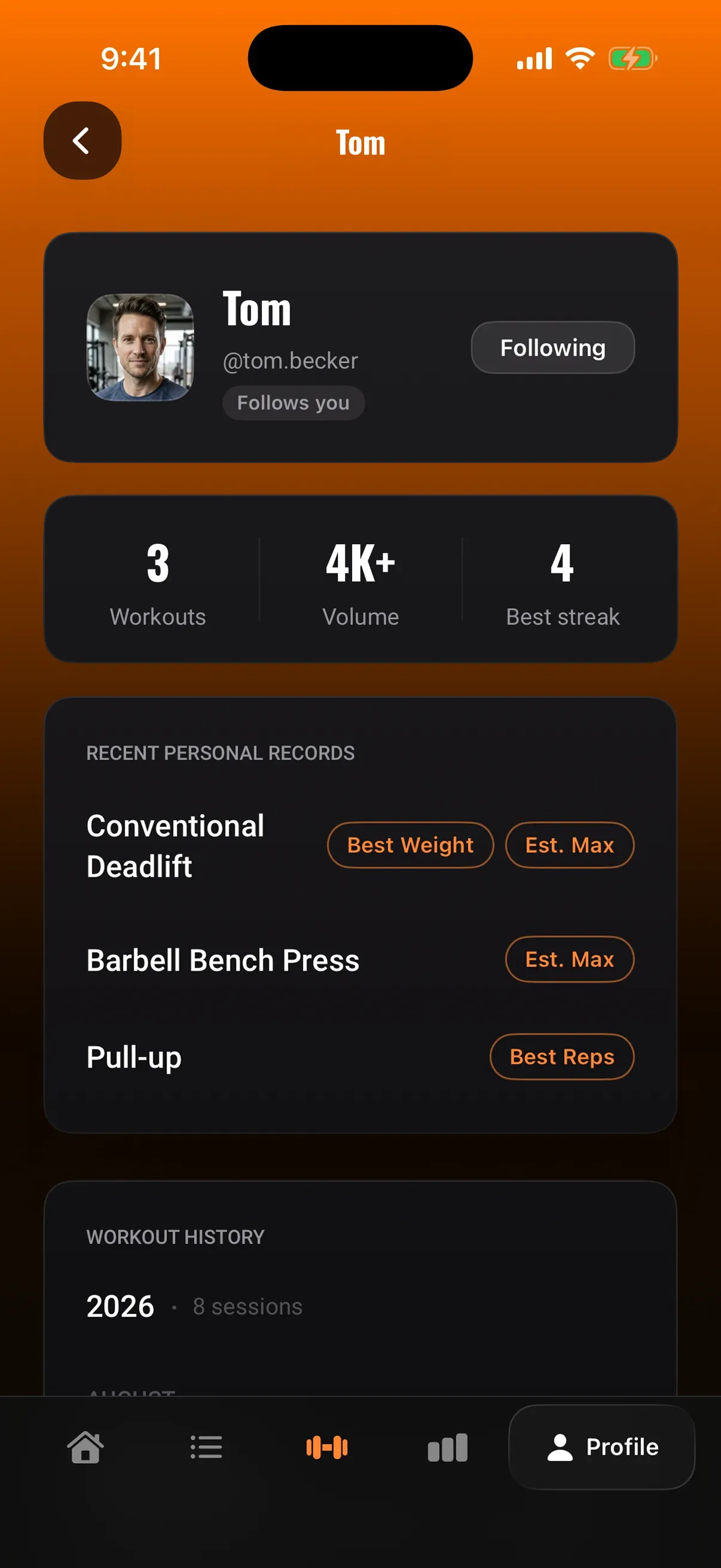
Friends then see each other's sessions and latest records. Training where someone you know is watching is the oldest retention mechanic there is.
Everyone picks what is visible: nobody, the people they follow back, or anyone with the link. That control is what makes people willing to share at all.
We count streaks by the week, not the day
A streak is a retention mechanic, and it only works while it survives. A daily one breaks the first time someone takes a rest day, which is week one for anybody training to a plan, and the habit usually goes with it.
Ours counts weeks: hit the number of sessions you planned and the week counts.
It survives a normal training year, which is the horizon a subscription needs.
We tell people when they stop progressing
A stall is when people stop coming, and most of them do not spot it themselves.
The app watches the main lifts and speaks up as soon as the numbers stop rising, then once more, more directly, if nothing has changed a month later.
That turns a quiet drop-off into something the person can act on, which is the cheapest retention there is.
We protect the one channel that brings people back
Push is the only way to reach somebody who has stopped opening the app, so the app spends it carefully.
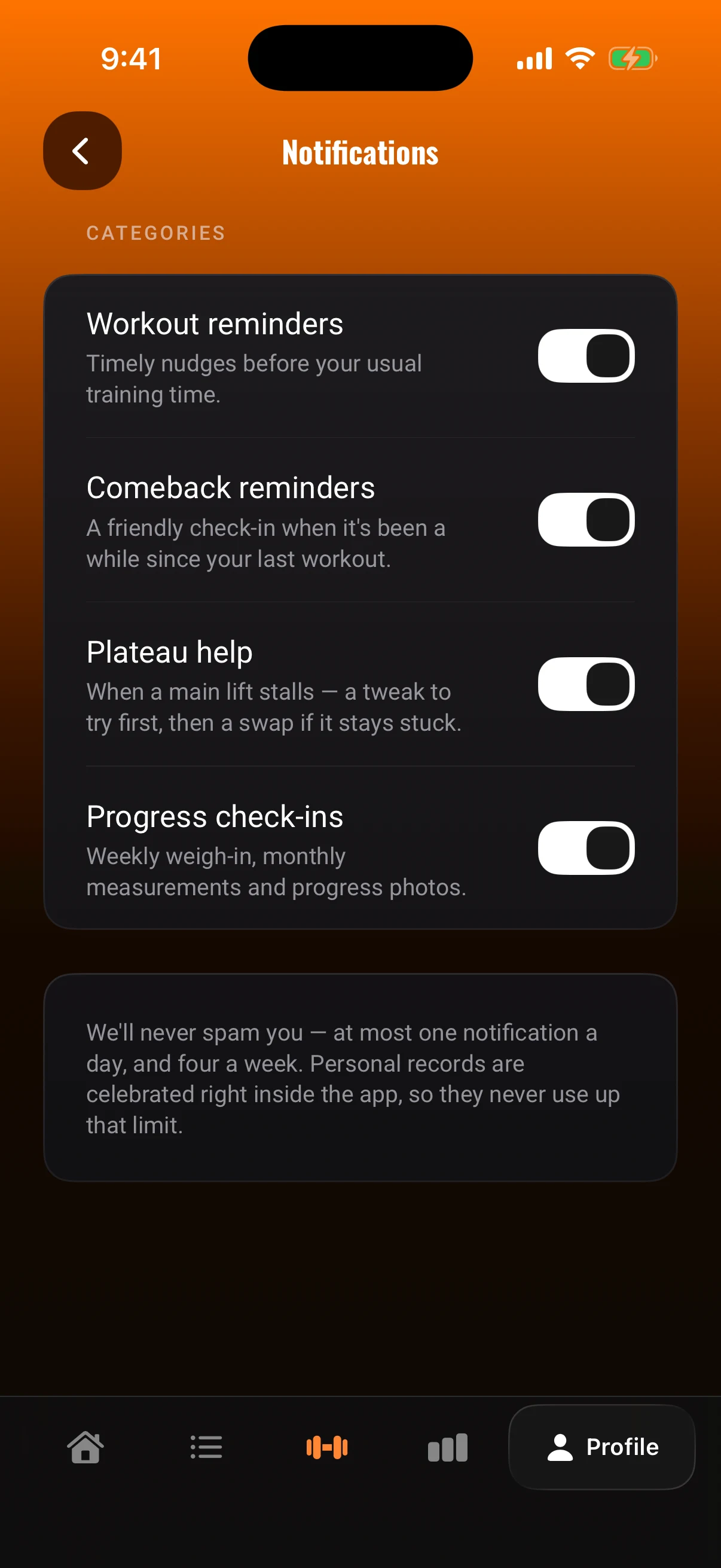
Reminders go out around the time a person usually trains, not at a fixed hour, and if they stop coming a short run of messages follows over the next two weeks. Nothing goes over one a day or four a week.
An app that nags gets deleted, and then there is no channel left at all.
04
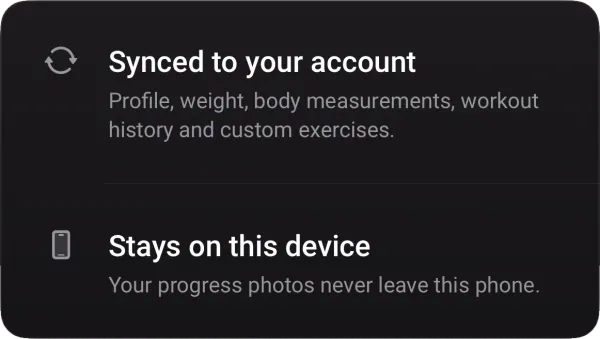
Where the data lives
Three places, shared by both apps, and nothing moves between them by accident
ON THE PHONE
the workout you are in right now
progress photos and your own exercise images, encrypted
the key that encrypts them
The key never leaves the phone.
ON OUR SERVER
programmes, sessions, measurements and records
the account: one for both platforms, sign-in, and who may see your history
analytics, off until the tracking prompt is answered
No photos, ever. Nothing crosses between people: one customer never sees another customer's data.
IN YOUR OWN CLOUD
a backup of the photos, to iCloud or Google Drive, if you switch it on
Yours, not ours.
05
The rules we built to
1
Every feature had to make logging faster or progress clearer
That was the test for anything that shipped: does it get the set logged quicker, or does it make the answer (is this working?) easier to see.
2
Changing how it looks later stays cheap
Colour, type, spacing and motion live in one place in code, and every screen reads from it. Changing the accent colour, the spacing or a typeface is one edit rather than the same edit repeated on every screen. That is what stops a restyle after launch turning into a rebuild.
3
It works in a basement gym with no signal
The server holds the data and every screen asks it for what it needs, but the workout you are in stays on the phone and goes up later, so a dead connection never costs a set.
4
The catalogue can change without breaking old records
We rename movements and merge duplicates as the library grows, and every past workout still points at the right exercise. Any product with a catalogue meets this sooner or later: rename a dish, merge two products, and every old order still has to mean what it meant.
5
We built for store review from the first day
Everything the stores check was built in from the start rather than added at the end, because a rejection lands at the worst possible moment, when the launch date is already set. Ads, subscriptions and each store's own paperwork were designed around the rules: what we declare about the data matches what the app actually collects, and nothing tracks anyone before they have said yes.
iOS went through review first and was live in June 2026; Android went live on Google Play on 7 September 2026. Android took 17 days because it was a port, not a second product: everything but the screens already existed, and the same tests had to pass.
06
Everything in the app
The lines marked Premium are what the subscription opens
Program
A training week assembled from your own plan.
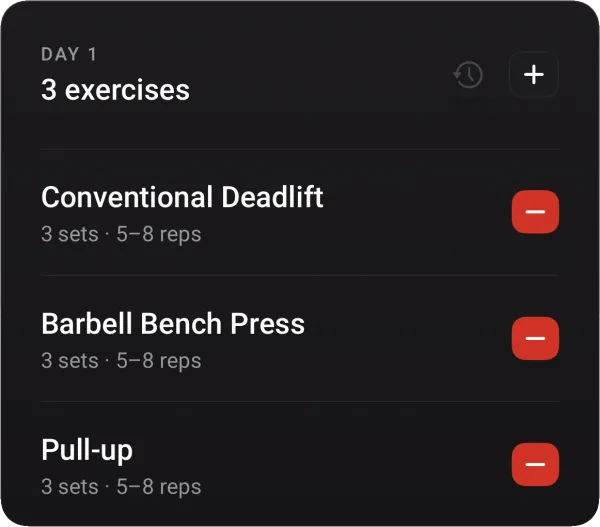
Training days of your own choosing
Its own exercise list for each day
Set counts and rep targets per exercise
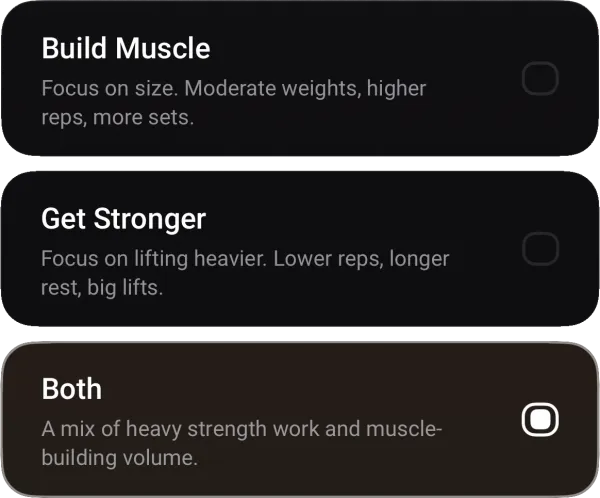
A goal: muscle, strength or both
The weekly goal and its progress on the home screen
A starting week of days and exercises, suggested from your goal and days per week
Rebuild the program at any time
Exercises
A library where a movement is recognised by its picture.
Target and supporting muscles, pattern, equipment
A drawn exercise with the muscle it trains lit, instead of a video
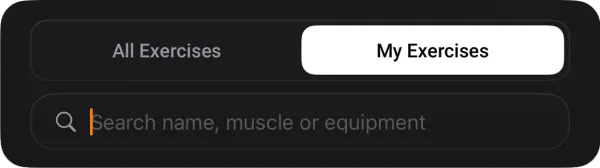
Search by name, muscle or equipment
Your own exercises with your own description and equipment Premium
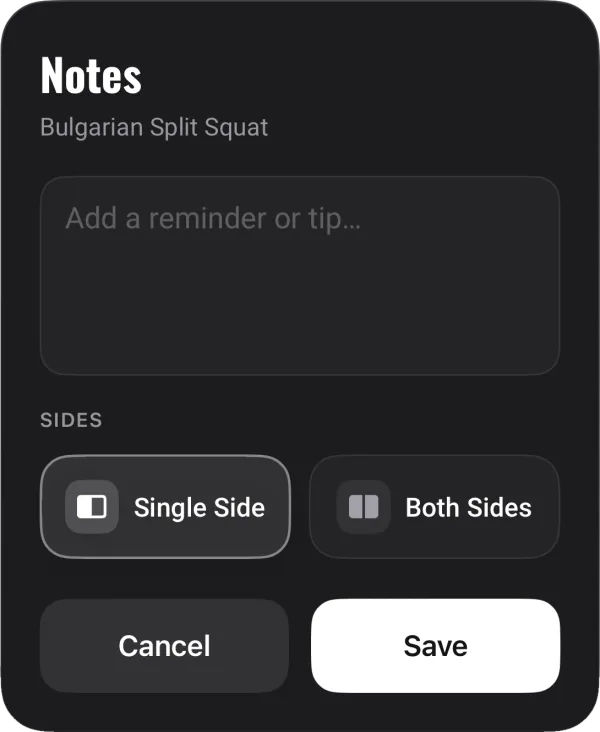
A note on an exercise, waiting at the next session Premium
Logging a workout
Everything between the first set and the last.
Warm ups and drop sets marked apart
Added weight, reduced weight or body weight
Swap an exercise with suggestions from the library
Past sessions kept and repeatable
A rest timer that rings once you match your last rest Premium
Start and finish a set with a tap, so the timer counts only your rest Premium
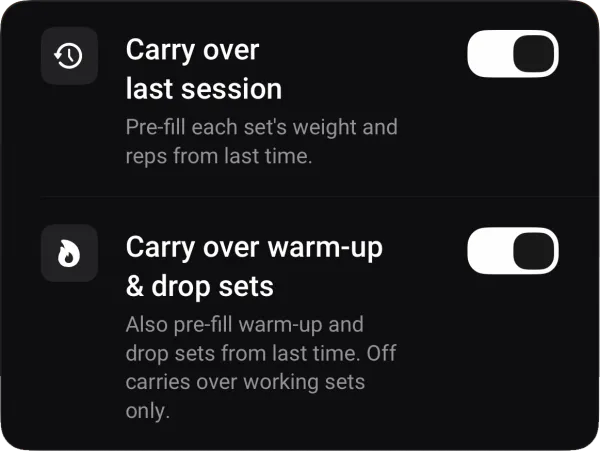
Last time's weight and reps already filled in Premium
Single-arm and single-leg work logged as one set, or as left and right Premium
A bench angle per exercise, so incline and flat stay separate lifts Premium
Editing a finished workout Premium
Progress
Whether strength is rising, flat or falling.
Best weight, total volume and the estimated max
A trend for every exercise, with your most-used first
A notice when a lift stalls or starts dropping
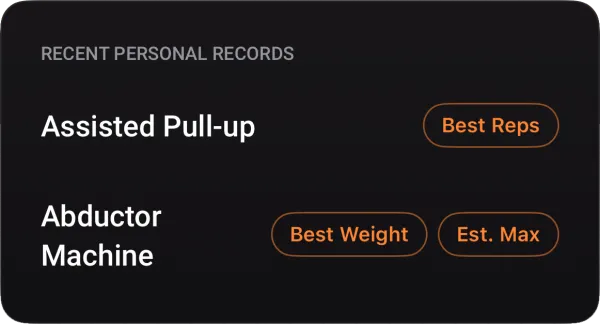
Personal records flagged the moment you hit one
Bodyweight sets set rep records instead of weight records
The weekly streak and the best streak
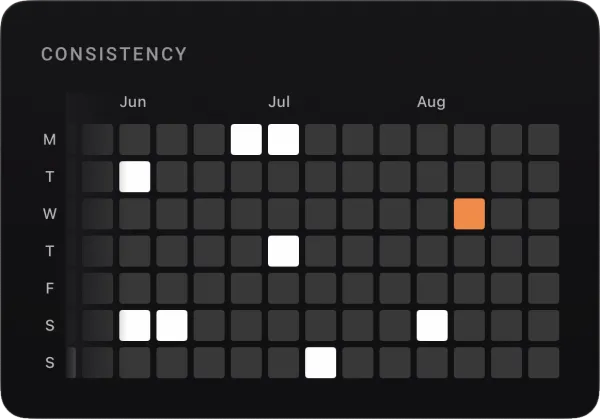
A consistency map of the days you trained
Full history: 3 and 6 months, a year, all time and a custom range Premium
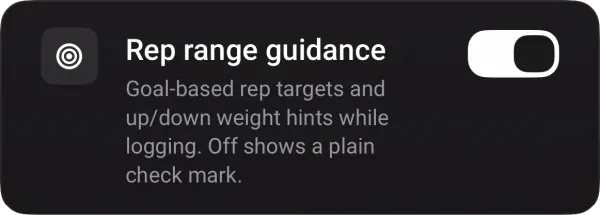
A prompt to add or lower weight, based on your reps Premium
Body
The part a strength chart does not show.
Weight logged on a scale, not a keyboard
The weight and measurement trend on a chart
Measurements: chest, arms, waist, thighs
Your own measurement areas Premium
Progress photos: front, side, back
Before and now side by side, any two comparable
Your own angles and pinning Premium
Photos encrypted on the phone
A backup to your own private iCloud or Google Drive Premium
Account and friends
The data follows the person, not the device or the platform.
Sign in with Apple, Google or email
Sync across devices and platforms
A username, and friends you add yourself
A friend's sessions and their latest records
A choice of who can see your training history
Notifications for training time, comebacks, plateaus and check-ins, capped at one a day
Delete the account and all its data in the app
07
It is on the App Store and Google Play. Open it on your phone.
Try it yourself
Everything on this page is in your pocket in about a minute. Log a set, watch the timer start itself, and see what the charts do after a week. The log, the timer, the charts, the measurements and the photos are free.
The product decisions, the design, the app, the backend, the panel behind it and the release. One team, one counterpart, from the first conversation to the update after launch.